
Effective meetings have a clear purpose, the right people, an agenda shared in advance, and recorded decisions with owners afterward. When any of these is missing, a meeting tends to drift, run long or produce nothing anyone acts on.
Meetings are a core duty for senior staff, and the guide to the chief of staff role shows how one position often takes responsibility for them across an organization.
Why meetings need deliberate design
Meetings consume a large share of working time, particularly for managers. A Harvard Business Review analysis, Stop the Meeting Madness, reports that executives on average spend nearly 23 hours a week in them, up from less than 10 hours in the 1960s. The authors add that the meetings are often poorly timed, badly run, or both.
The same analysis describes a pattern it calls wasters of group time: organizations with relatively few meetings that run them poorly. About 16% of the executives in the sample said this described their workplace.
The point is not that meetings are bad. Research on team collaboration argues the opposite: a recent conceptual paper on science teams, published in a peer-reviewed journal, proposes that meetings are the essential structuring episode where a collection of experts becomes a coherent group. A well-designed meeting does real work. The difficulty is that a poorly designed one costs the same time and delivers much less.
Decide whether a meeting is needed
The most effective improvement is often removing a meeting. Before scheduling, it helps to ask what the purpose is and whether a different format would serve it.
- Sharing information. A written update or recorded message usually works better, since people can read it at their own pace.
- Making a decision. A meeting helps when the options are known, the decision-maker is clear and live discussion will resolve disagreement.
- Solving a problem. A small group with the relevant knowledge, a defined problem and enough time is more productive than a large, open discussion.
- Building relationships. Regular conversations, such as team check-ins or one-on-ones, support trust and are worth protecting.
If the purpose cannot be stated in a sentence, the meeting is probably not ready to be scheduled.
Prepare before the meeting
Most of the effectiveness of a meeting is decided before it starts.
- State the purpose and the outcome. Say what the meeting should produce, such as a decision, a list of options or an agreed plan.
- Invite the right people. Include those who decide or contribute. Others can receive notes afterward.
- Share an agenda ahead of time. List the topics, the person leading each and the time allotted. A reusable layout is available in the meeting agenda template page.
- Send the materials. Documents that need to be read should arrive with enough notice for people to read them.
- Choose the length deliberately. A meeting expands to fill its slot, so a shorter booking forces tighter discussion.
The HBR analysis offers an example of why preparation matters.
Run the meeting itself
During the meeting, a few roles and habits keep the discussion on track.
- A facilitator. One person keeps to the agenda, invites quieter participants to speak and parks side issues for later.
- A note-taker. Someone records decisions, actions and open questions in the room, not afterward from memory. Some teams use recording and transcription tools for this, which raises consent questions covered elsewhere on this site.
- A clear opening. Restating the purpose in the first minute reminds everyone what success looks like.
- Time awareness. Watching the clock and cutting off tangents leaves time for the decisions that matter most.
- A closing check. The final minutes summarize decisions and confirm who will do what by when.
Follow up so the meeting counts
A meeting without follow-up often needs to be repeated. The same analysis noted that when new issues were raised, next steps were usually left unclear, leading to more sidebar conversations outside the room.
A short written summary, sent soon after, fixes most of this. It lists decisions made, actions with an owner and a due date, and any questions still open. Putting actions into the usual task system, instead of leaving them in the notes, makes them more likely to be done. Reviewing last meeting’s actions at the start of the next one closes the loop.
Matching the format to the purpose
Different recurring meetings do different jobs, and mixing them is a common source of waste.
- Stand-ups. Short, frequent check-ins on progress and blockers. They work when kept brief and when problem-solving is moved to a separate conversation.
- Planning sessions. Longer meetings that set priorities and assign work for a period. They need pre-reading and a clear owner.
- Decision meetings. Meetings with a defined question, a list of options and a named decision-maker.
- Retrospectives. Reviews of what went well and what to change, which work best when they end with a small number of concrete actions.
- One-on-ones. Regular private conversations between a manager and a team member, covering progress, feedback and development.
Keeping each format distinct also makes it easier to see which ones have stopped earning their place. A recurring meeting that no longer has a clear job is a candidate for shortening, reducing in frequency or removal.
Common mistakes to avoid
- No agenda. Without one, the loudest topic wins and the important ones run out of time.
- Too many attendees. Large groups slow decisions and let people disengage.
- Status updates read aloud. Information that can be read in advance uses up time that discussion needs.
- Unclear ownership. Actions assigned to a group tend to be done by nobody.
- Back-to-back scheduling. Without gaps, people arrive late, unprepared and still thinking about the last meeting.
- Quiet side tasks. When attendees work on other things during a meeting, it is often a sign that the meeting does not need them.
Adjusting for distributed teams
Teams spread across locations or time zones face extra constraints: fewer overlapping hours, uneven audio and video, and the risk that remote participants fade into the background. Shared agendas, written pre-reads and recorded decisions matter even more. The page on remote team meetings covers time zones, tools and etiquette in more detail.
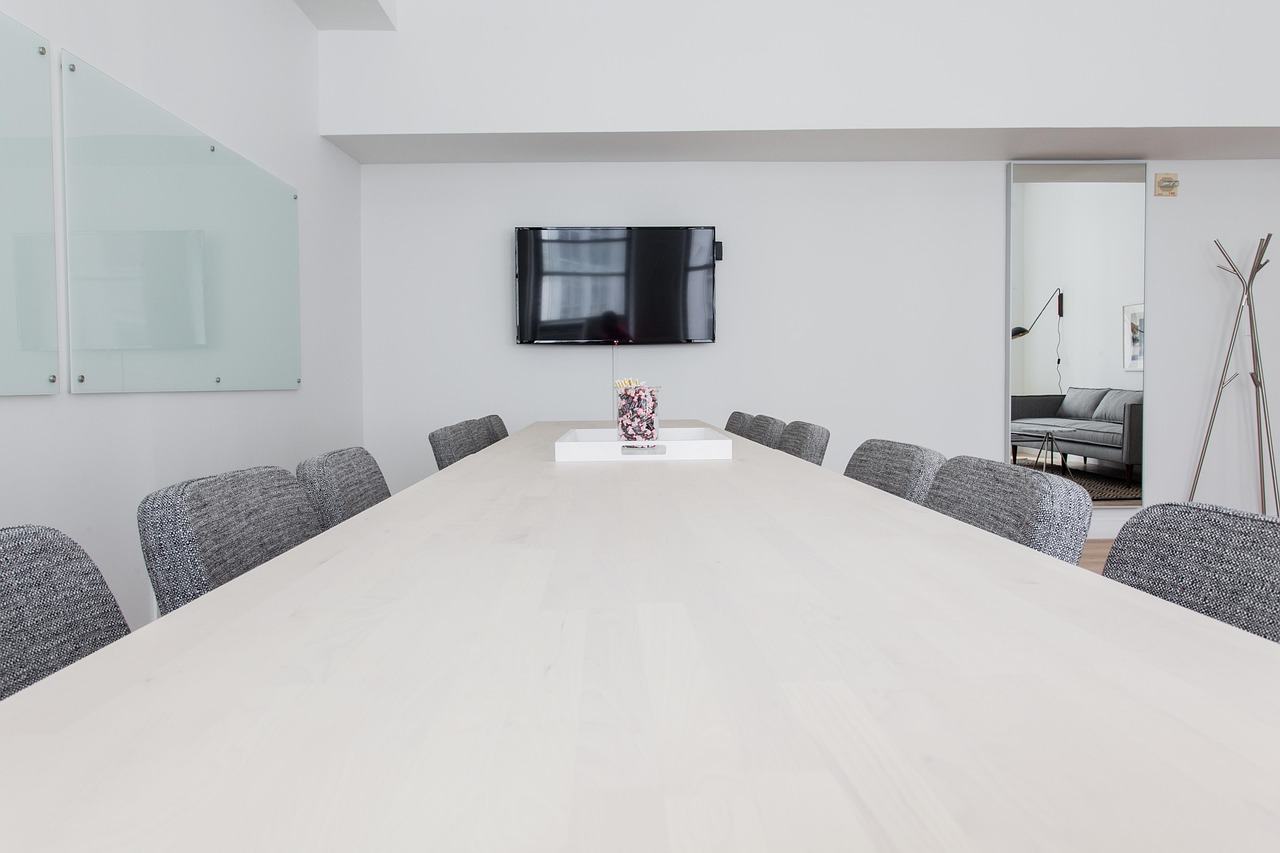
Few changes pay off as quickly as asking, before every invitation, whether the meeting needs to happen and what it must produce.
Frequently asked questions
What makes a meeting effective?
What makes a meeting effective?
What makes a meeting effective?
Show answer
A clear purpose, the right attendees, a shared agenda, active facilitation and written follow-up with owners and due dates.
How can a team cut down on unnecessary meetings?
How can a team cut down on unnecessary meetings?
How can a team cut down on unnecessary meetings?
Show answer
Ask what each meeting is for. Replace pure information-sharing with written updates, shorten recurring meetings and remove people who neither decide nor contribute.
Who should take notes?
Who should take notes?
Who should take notes?
Show answer
Someone is named in advance, and the role can rotate. Notes should capture decisions, actions with owners and open questions.
Do meetings ever help a team?
Do meetings ever help a team?
Do meetings ever help a team?
Show answer
Yes. Research on team collaboration treats well-designed meetings as an important place where groups form shared understanding. The aim is to improve them, not to avoid them.