Speech recognition is the technology that converts spoken audio into written text, and it is the first step in turning a recorded meeting into a transcript, a summary or a list of action items.
It sits underneath every ai executive assistant that handles meetings, and its accuracy limits what ai meeting notes can later say. The sections below explain how the conversion works and why meetings are a hard case.
The job speech recognition performs
A speech recognition system receives a stream of audio and outputs the most likely sequence of words. It does not understand the meeting in a human sense. It matches patterns in sound to patterns in language, using what it learned from large collections of recorded speech paired with correct transcripts.
Output usually includes more than words. Time stamps let a reader jump to a moment in the recording. Punctuation and capitalization are added so the text is readable. Diarization is a separate problem from recognizing the words, and the two can succeed or fail independently.
The conversion process
Older systems were built from separate pieces. An acoustic model mapped short slices of sound to speech units such as phonemes, a pronunciation dictionary linked those units to words, and a language model chose the likeliest word sequence. Engineers tuned each piece by hand.
Newer systems usually use neural networks trained end to end, so a single model learns to go from audio to text. Researchers behind an end-to-end system called Deep Speech described traditional systems as relying on laboriously engineered processing pipelines, and reported that those traditional systems tend to perform poorly when used in noisy environments. Their approach instead learns directly from varied training data, without hand-designed components for background noise or speaker variation.
Scale matters too. The authors of the Whisper model report that when scaled to 680,000 hours of multilingual and multitask supervision, their models generalize well to standard benchmarks without any fine-tuning for a particular test. Models trained on that much varied audio cope better with unfamiliar accents and recording conditions, though no model is immune to them.
Live and after-the-fact recognition also differ. A live captioning feature must commit to words within a moment or two, so it has little context and sometimes revises text as more audio arrives. A transcript produced after the call can look at the whole recording at once, which usually gives cleaner results. Tools that offer both often present the live text as a convenience and the finished transcript as the version to rely on.
Privacy follows the same split. Where the audio is processed, and whether it is kept afterward, are settings and contract questions worth confirming before sensitive meetings are transcribed.
The difficulty of meeting audio
Benchmarks often use clean, single-speaker recordings. Meetings are messier, and several features of them work against accuracy.
- Overlapping speech. When two people talk at once, most systems capture one voice, blend the two or drop words from both.
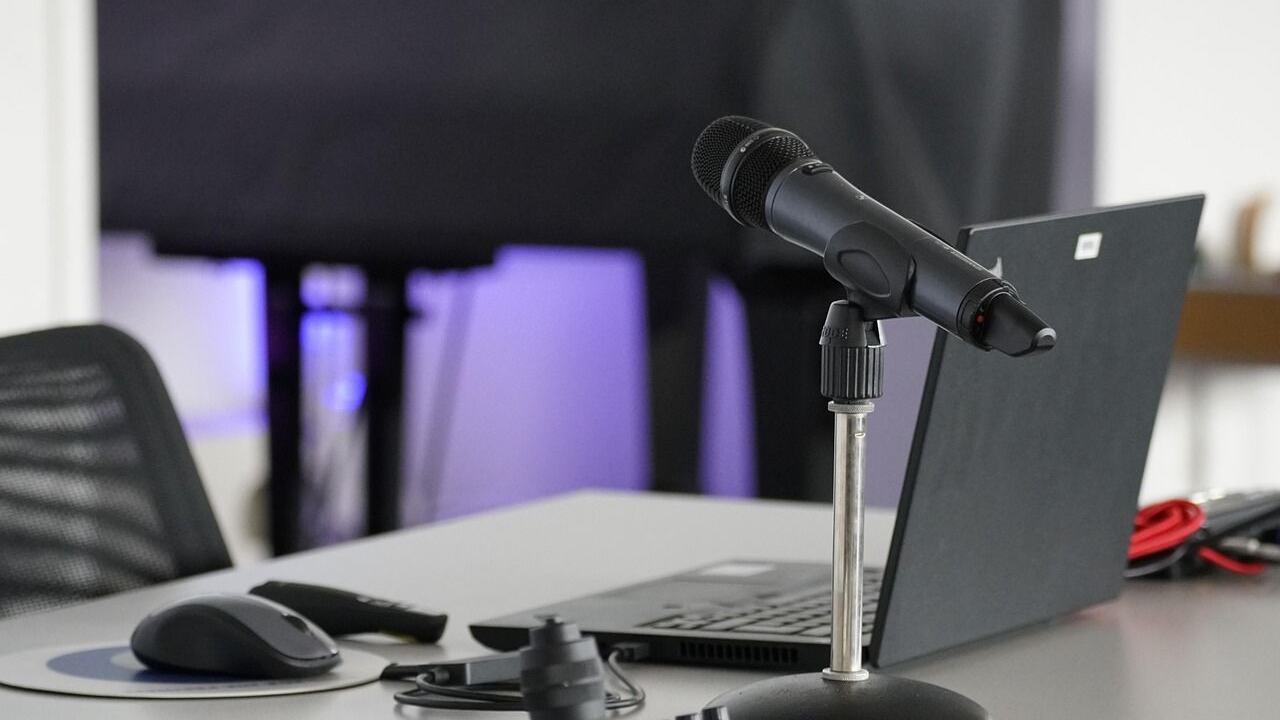
- Distance and echo. A shared microphone in a room picks up reverberation and distant voices, which are harder to decode than a headset.
- Accents and speaking styles. Training data never covers every accent, and fast or trailing speech is harder than careful reading.
- Specialist vocabulary. Product names, acronyms, people’s names and industry jargon are rare in general training data, so they are often replaced by a similar-sounding common word.
- Informal grammar. People start sentences and abandon them, which gives a language model little to predict from.
Researchers have studied this setting for a long time. The U.S. National Institute of Standards and Technology ran a Rich Transcription evaluation series whose speech-to-text tasks included meeting room speech in English, and whose stated goal was to produce transcriptions that are more readable by humans and more useful for machines. That a standards body treated meeting speech as its own test domain shows how different it is from other audio.
Measuring accuracy
The standard yardstick is word error rate. It compares the system’s output with a correct reference transcript and counts words that were substituted, deleted or inserted, then divides by the number of words in the reference. A lower rate means a better transcript. The measure is simple, but it treats every word the same, so a dropped “the” counts as much as a wrong product name that changes the meaning of a sentence.
For this reason, a single error-rate figure says little about how useful a transcript is in practice. Two transcripts with the same rate can differ sharply in how much they harm a summary, depending on whether the errors fall on filler words or on names, numbers and negations. Results quoted by a vendor also depend on the test audio used, which may be cleaner than a typical call.
Downstream effects of recognition errors
A transcript is an input to other steps, and its errors do not stay in place. A summarizing model that reads “we should not approve the budget” as “we should now approve the budget” will write a confident, wrong decision. A misheard name can send an action item to the wrong person. Because the model that writes the summary sees only the text, it cannot tell which words the recognizer was unsure about.
Features like an ai scheduling assistant that reads a spoken request face the same dependency: a time or a date misheard at this stage becomes a wrong calendar entry. The practical answer is to keep the audio or transcript accessible, so a person can check a doubtful point against the source.
Ways to improve results
Several habits raise accuracy without any technical effort. Using a headset or a good conference microphone gives the system cleaner input. Taking turns to speak avoids overlap. Spelling out unusual names and acronyms the first time they come up helps both the recognizer and later readers. Many tools also allow a custom vocabulary list of names and terms, which nudges the system toward the right spellings.
Language settings matter as well. A tool set to the wrong language or accent variant will produce poor text even from clear audio, and mixed-language meetings are difficult for many systems. Setting the language to match the speakers is a cheap fix that is easy to forget.
Frequently asked questions
Is speech recognition the same as understanding the meeting?
Is speech recognition the same as understanding the meeting?
Is speech recognition the same as understanding the meeting?
Show answer
No. Recognition produces text from sound. Understanding, such as picking out decisions or tasks, comes from a later step in which a language model reads the text.
Why are names and acronyms so often wrong?
Why are names and acronyms so often wrong?
Why are names and acronyms so often wrong?
Show answer
Rare words appear seldom in training data, so the system tends to choose a more common word that sounds similar. A custom vocabulary list or a quick spelling at the start of the call reduces the problem.
Does a better microphone really help?
Does a better microphone really help?
Does a better microphone really help?
Show answer
Yes. Clean, close audio removes much of the noise and echo that cause errors, and it helps more than almost any software setting.
Can the transcript identify speakers?
Can the transcript identify speakers?
Can the transcript identify speakers?
Show answer
Often, using the meeting platform’s participant data or voice patterns. Labels are less reliable when people share a microphone or interrupt each other.